For fiduciary firms, finance teams, and SMEs using bexio

Make daily work with bexio easier.

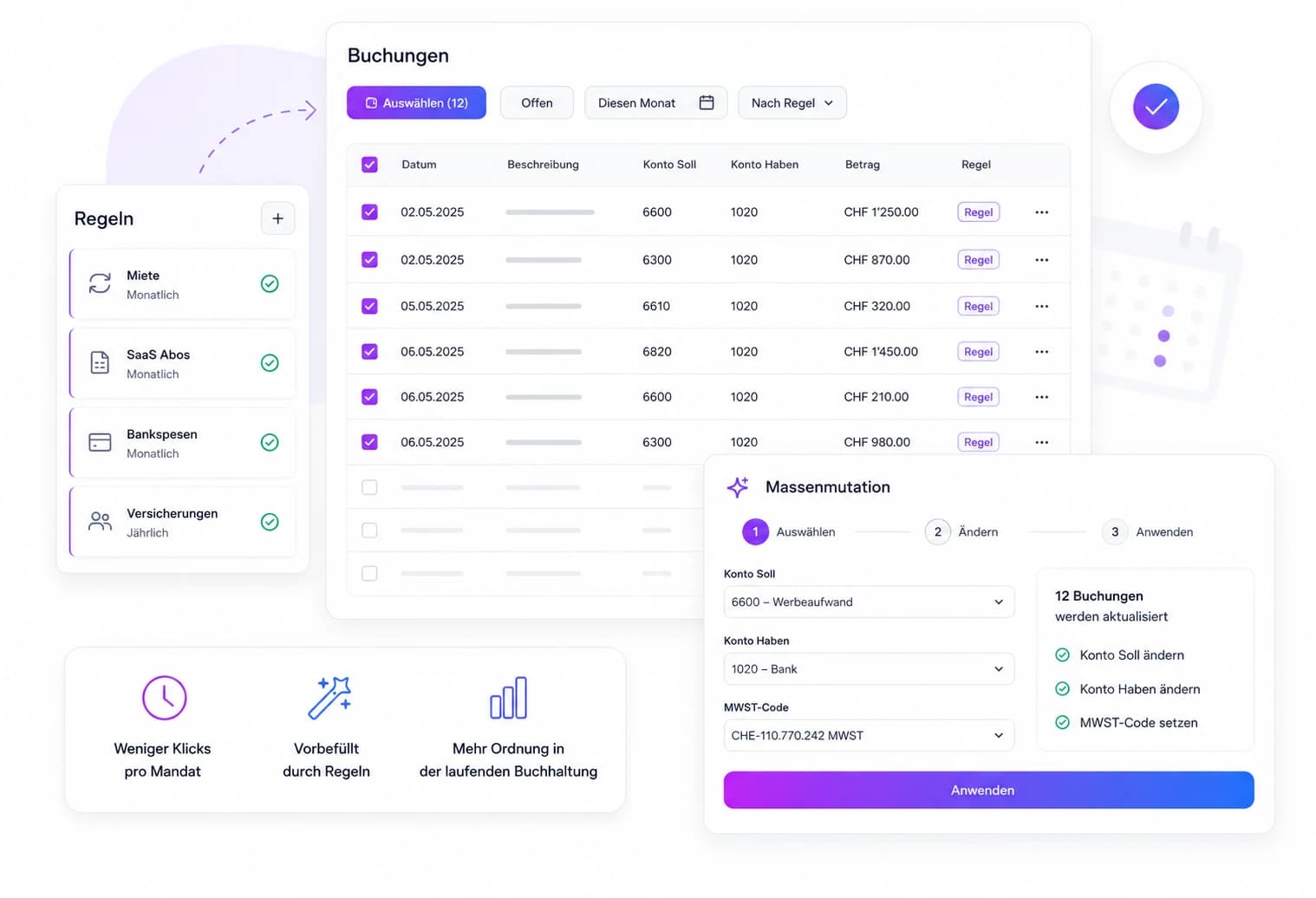
Import bank statements, clean postings, apply rules, and adjust multiple bookings in just a few steps so raw data turns into clean postings faster.

Instead of post-processing exports in Excel, correcting postings one by one, or repeating recurring tasks manually, BexFlow brings this work into one clear workflow: faster, more consistent, and with less rework.

AUTOMATION

Recurring work, handled with more flow

Less clicking, more consistency, better prepared postings.

BexFlow automation and posting workflow overview
UPLOAD

From bank statement to clean posting

Files in, structure cleaned, postings ready for bexio.

BexFlow data flow from source files to booking preview

Less manual work

Upload files, BexFlow handles the rest.

Less rework

Clean data and clearer booking texts.

More time for what matters

A more structured process for daily work.

PRICING

Choose the right plan for more efficiency in bexio

The right plan for your volume and day-to-day work, either flexible monthly or with a 17% discount on annual billing.

Starter
13 CHF
/ month
100 Credits / month
For small teams with clear processes and one bexio connection.
Good starting point for recurring imports.
1 bexio connection
Import, cleanup, and booking preview workflow
Manual review before sync
Basic support
Choose plan
Pro
55 CHF
/ month
1000 Credits / month
For productive teams with more volume, more connections, and bulk changes.
Everything in Starter, plus:
Unlimited bexio connections
Bulk changes included
Encrypted storage for imported bank data
Email, phone, and chat support
Choose plan
Business
125 CHF
/ month
10000 Credits / month
For larger volumes, higher limits, and prioritized operational support.
Everything in Pro, plus:
Higher limits for recurring client work
Priority support
Backup and recovery routines
Structured rollout for larger teams
Choose plan
FAQ

Frequently asked billing questions.

We can still offer custom setups for needs beyond Business.

How do upgrades and downgrades work?
Upgrades take effect immediately. Downgrades are prepared for the next renewal.
Can I cancel my subscription at any time?
Yes. Cancellation takes effect at the end of the current billing period. Payment details and cancellations remain available in the Stripe portal.
What happens to unused credits?
Unused credits are not transferred into the next billing period. They expire at the end of the period.
What does one credit cost?
Imported postings, copied invoices, and imported invoice lines each consume one credit. Contacts do not cost extra.
Credit cost by usage
Import postings1 credit per posting
Copy invoices1 credit per invoice
Import invoices1 credit per invoice line
(Created contacts do not cost extra.)

Less manual work. More speed in bexio.

Less rework, fewer clicks, and a clearer flow for recurring postings.

Structure inconsistent import files cleanly
Prepare recurring corrections systematically
Handle many similar postings faster and more consistently